CREATIVE GUIDES · CREATIVE CRAFTS DUBAI
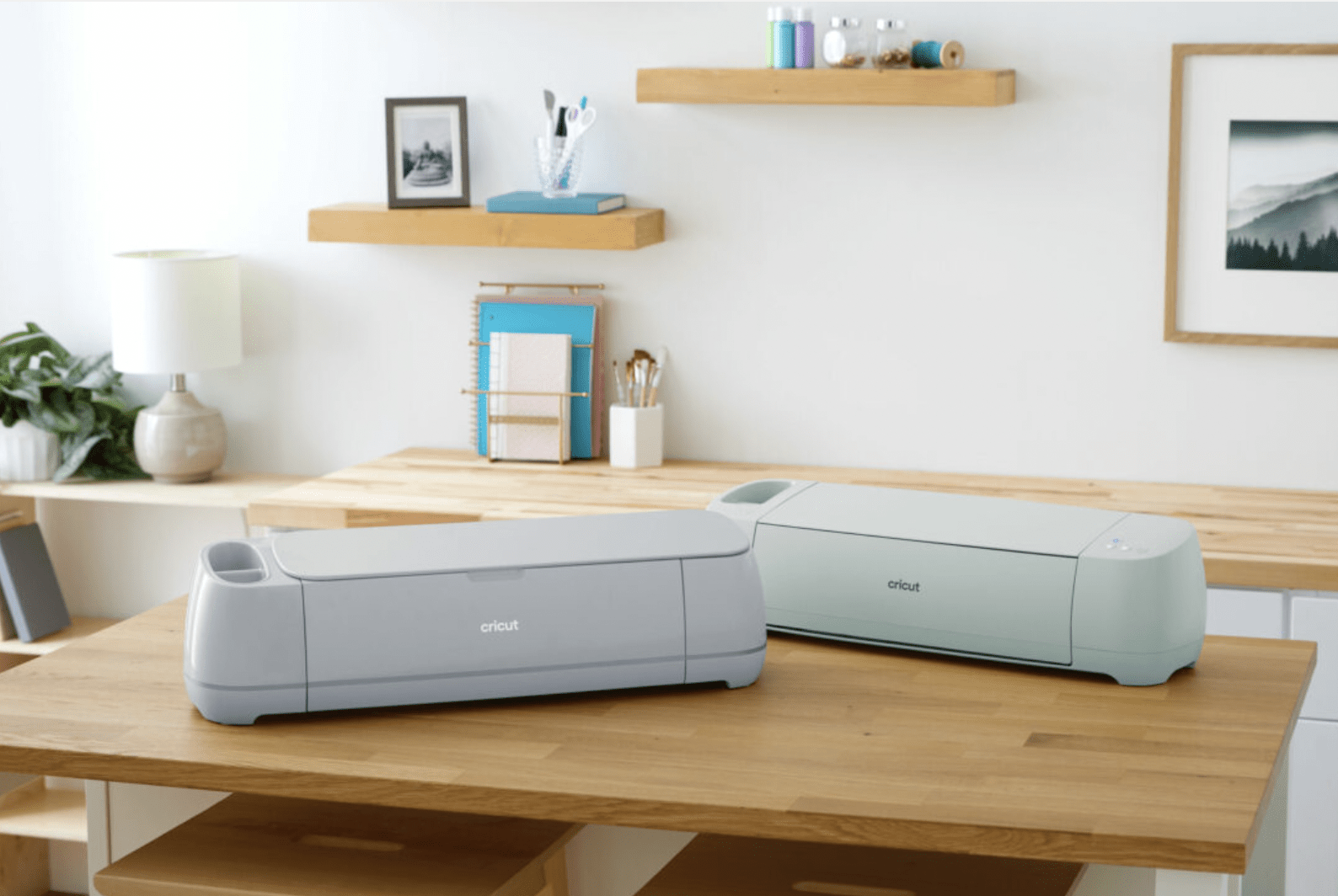
Learning a few practical steps can make a new Cricut machine feel easier to use. Start with setup, a simple design and a material suited to your first project.
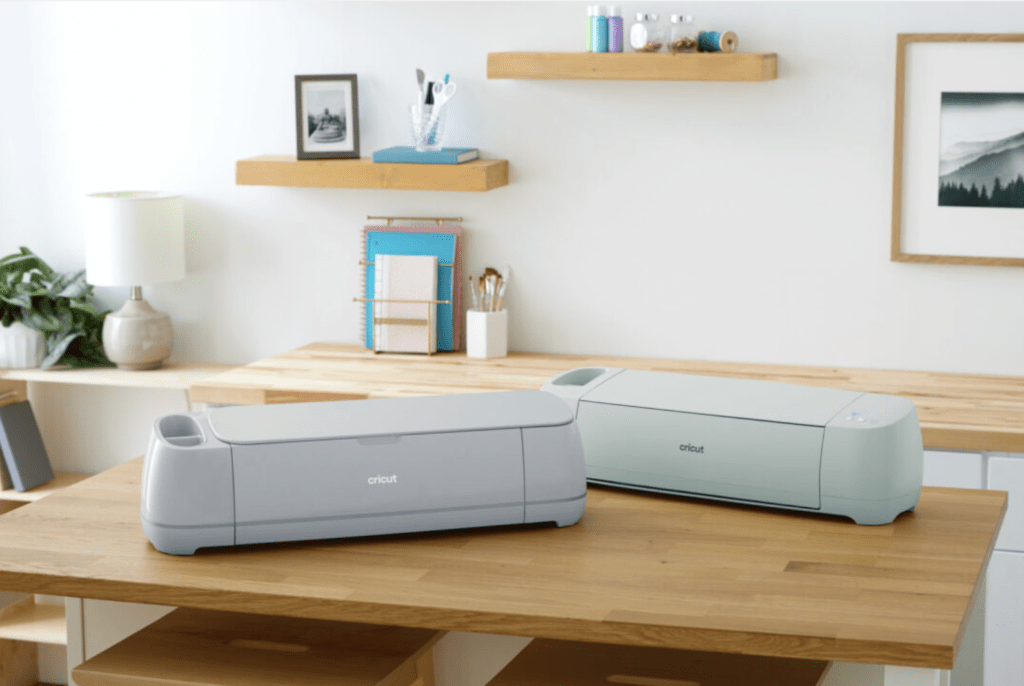
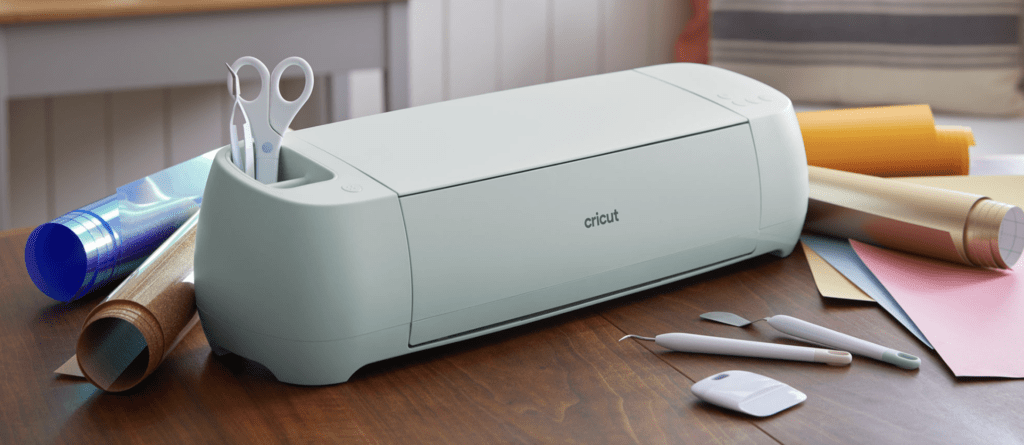
Set up the machine
Follow Cricut’s setup instructions for your exact model and device. Check the supported connection method, tools and materials before loading a project.
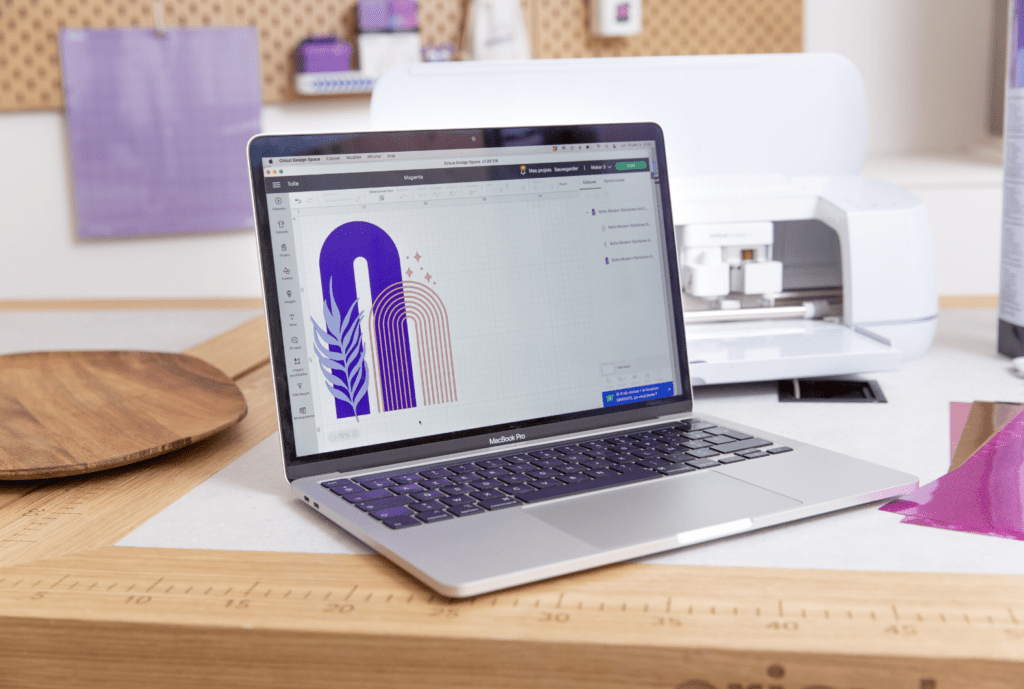
Explore Design Space
Practise adding a shape, resizing it and preparing it for cutting. Learn how the operation setting changes what the machine does, and use Attach when elements need to keep their positions together.
Try adhesive vinyl
Choose a simple decal for a clean, compatible hard surface. Cut and weed the design, then apply it with suitable transfer tape. Make a small test first.
Try iron-on
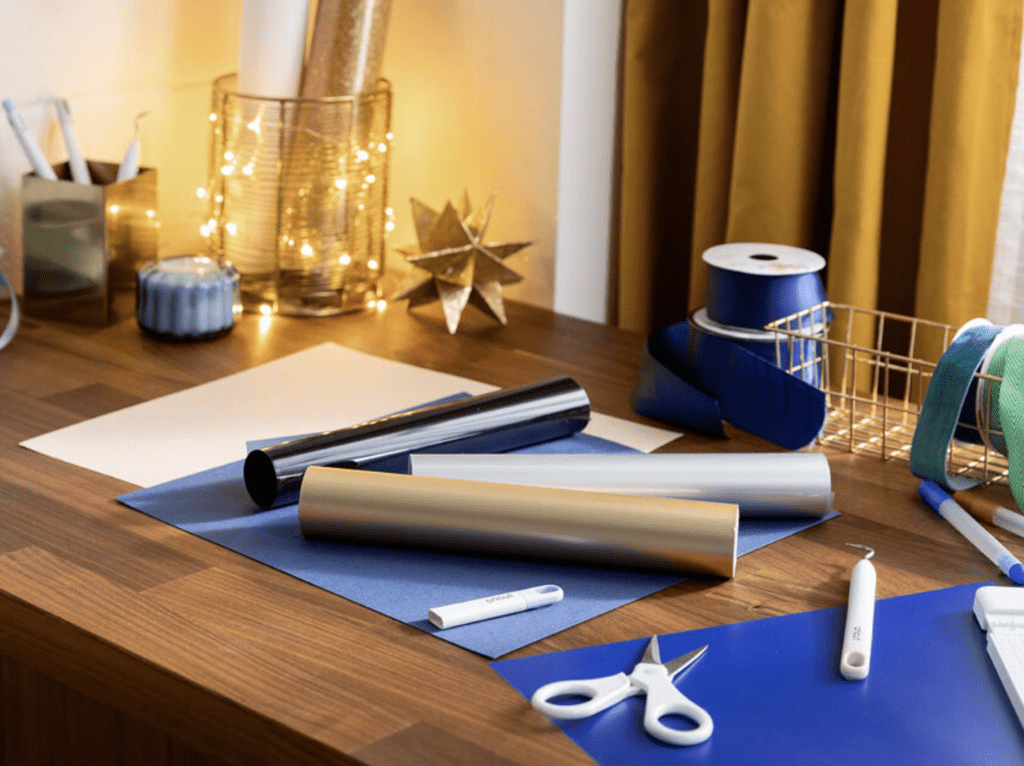
Use compatible heat-transfer material and fabric. Follow the specific material’s instructions for mirroring, heat, pressure and peeling, then read the care guidance for the finished item.
Ask about training and current offers
The original article described a complimentary workshop promotion with selected machine purchases. Availability and eligibility should be confirmed with our team before relying on that offer; it is not a blanket promise for every purchase.
For currently bookable sessions, visit the events page and check the listed price and preparation requirements.
Project inspiration